
Welcome to our new series: The Admin Resource Hub. These articles will focus on building and running great Flickr groups, where the heart of the Flickr community comes to life.
Starting a Flickr group is simple. Running one you’re proud of a year from now takes a little more thought and effort and we’re here to help you along that journey. Before you invite your first member, there are some decisions worth slowing down for: who can find your group, what’s expected once they’re in it and how you introduce the whole thing to a stranger scrolling past. Get these right early and eliminate some moderation headaches down the line.
Choosing the right privacy setting
Flickr gives you three levels to choose from and picking the right one from the start will save you from an awkward migration later.
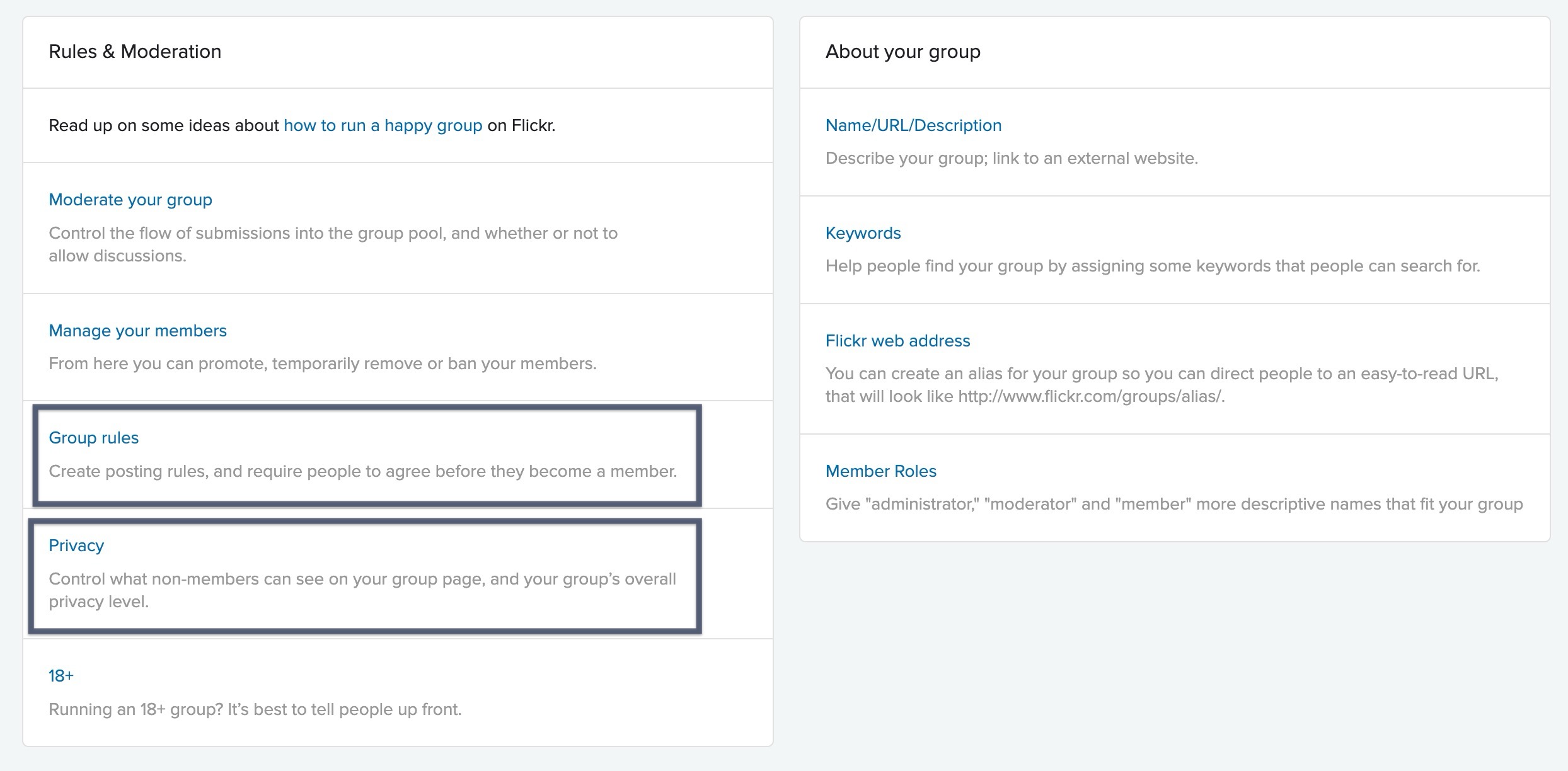
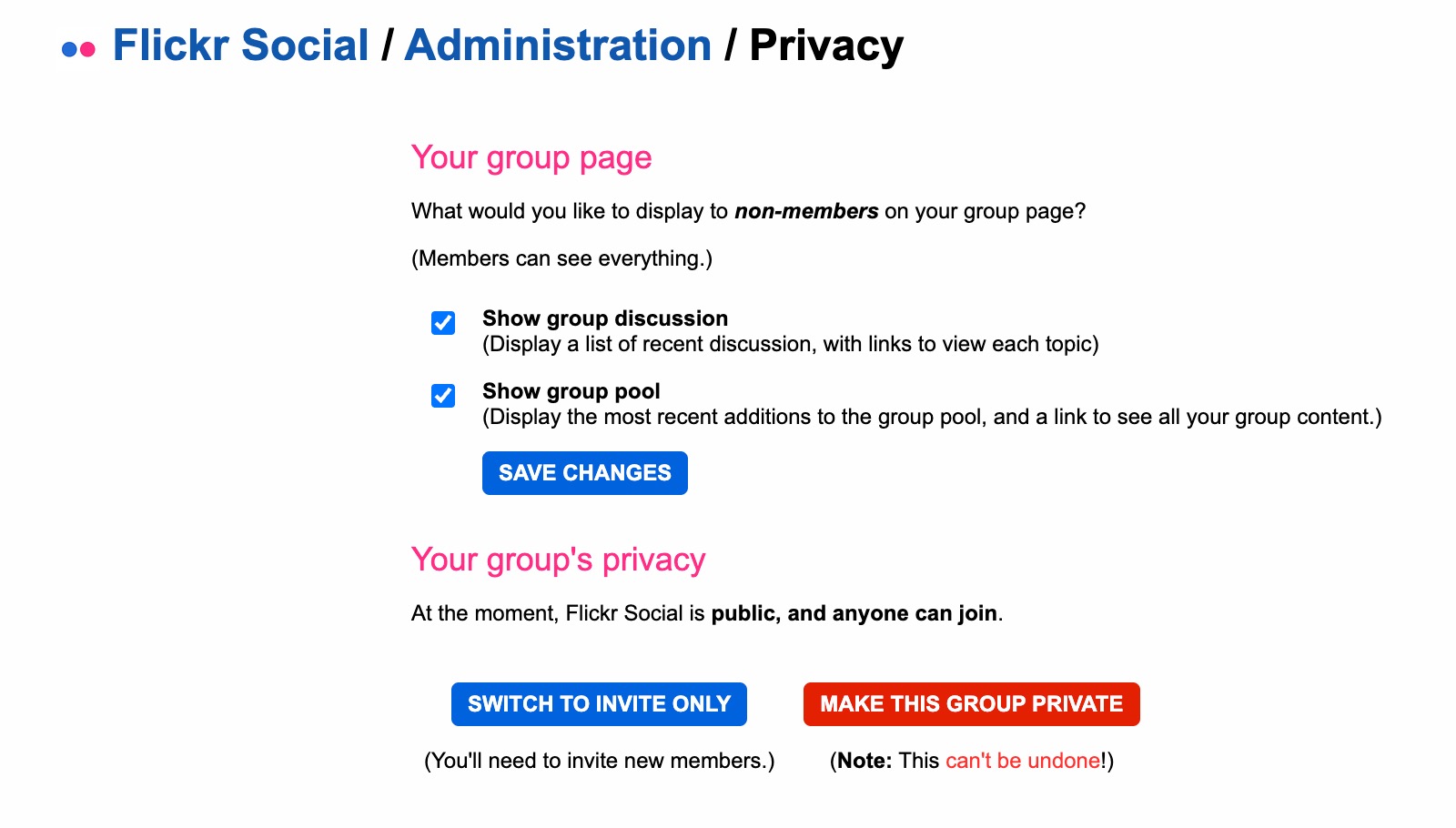
Public groups are open to everyone meaning anyone can find the group and join, no approval needed. This is the right setting for your group if growth and discoverability are a top priority. Think broad interest groups: street photography, black and white, a specific camera model.
Invite-Only groups show up in a search and anyone can view the group page but joining requires an invitation from an admin. This is a nice middle ground if you want visibility without letting everyone into your group without any upfront moderation. You can also make an Invite-Only group fully unsearchable if you want it to stay off the radar entirely.
Private groups are the most closed: they’re hidden from search, invisible on member profiles and invite-only to join. These are good for tight-knit groups like camera clubs, a small circle of collaborators or a family/friend project.
One thing worth flagging: once you switch a group from public to private, you can’t undo it. So make sure to choose this setting with some intention.
Writing rules people will follow

It’s overwhelming to be met with a wall of text before joining a group. Groups that lead with a focused set of 2-3 rules, ones you actually plan to enforce, tend to get a lot more attention from members than groups that bury the important stuff in a long list. A few things that make group rules land:
- Lead with the spirit of the group, not just a list. For example, “This is a space for constructive feedback” tells people more than a generic “no rude comments” ever will.
- Be specific about what’s off-topic. Vague guidelines create vague enforcement. If your macro photography group doesn’t want landscapes, say so plainly.
- Say what happens when rules aren’t followed. A single line like “posts that don’t fit the group may be removed” sets expectations before you ever have to act on them.
You don’t need a complicated legal document to get everyone on board with the guidelines of your group. A consistent yet inviting start to a new group can be delivered in three or four lines that a new member can read in ten seconds and then actually retain.
Writing a description that does its job
Your group description is doing double duty. It provides that important first impression for someone deciding whether to join, and it’s also the reference point you’ll point back to later when a post doesn’t belong. Name your niche down to the detail that makes it yours. Whether that is referring to format, subject or an aesthetic, the group will read as curated rather than a catch-all. Say who you’re posting for: a group built for critique reads differently than one built for sharing. If there’s a rhythm to the group, like a weekly theme or monthly challenge, mention it here so it doubles as an invitation, and not just an FAQ.

Ready to get started? Take the tips above and start building out your community today! Our help page, Get started with Flickr groups, will walk you through the process step by step as well!
This is the first post in our ongoing Admin Resource Hub series. Next up: building your moderation team. Have a topic you want covered? Let us know.
Not a Flickr member yet? Sign up today to join our community of photographers and find your inspiration.