
Welcome to Part 2 of our Admin Resource Hub series, helping you build and run a great Flickr group. This time around we’re talking about creating your dream team of mods and co-admins to help keep your group momentum going.
Running a group solo works fine, right until it doesn’t. If you suddenly see a boost in membership, photos submitted to the queue come pouring in and you think, I could use another set of hands, it might be time. Bringing on a co-admin or moderator isn’t an admission that you can’t handle things, it’s how groups outlast any one person’s bandwidth and carryon to flourish and thrive.
Knowing when it’s time
There are a few signs that it’s time to ask for help:
- The photo queue is piling up faster than you can clear it.
- Questions in the discussion threads are going unanswered. Remember, when you’re the only admin, you’re the only one who can respond when something goes wrong.
- There’s been an influx of membership and you stop recognizing everyone who is regularly contributing.
A backlog, whether it’s a mounting photo or unanswered discussions, doesn’t just slow things down, it can make the group feel unattended and members new and old will notice. Remember, Flickr members check in from all over the world and there are whole groups of members who are never online the same time you are. Knowing when it’s getting to be time to line up some help (before you’re drowning) is important. Bringing someone on early before the group is in catchup mode while things are still manageable gives you room to properly introduce them to the group and show them the way you’d love the group to work, all while giving them time to get settled in.
What to look for in a moderator
The best moderators are often your most consistent community members. Look for people who:
- Post and comment regularly so they already know the group’s rhythm and regulars
- Have a track record of constructive, kind feedback, especially to newer or less experienced members
- Are around during hours you’re not, so coverage actually improves rather than just doubling up on the same ‘shift’
- It’s also worth asking directly rather than waiting for someone to volunteer. Many of your best potential mods won’t nominate themselves. Start a discussion thread and get a feel for who is interested.

Admin vs Moderator: Knowing the difference before you promote
Not every extra set of hands needs the same level of access. Flickr offers two roles to promote members to and that difference matters.
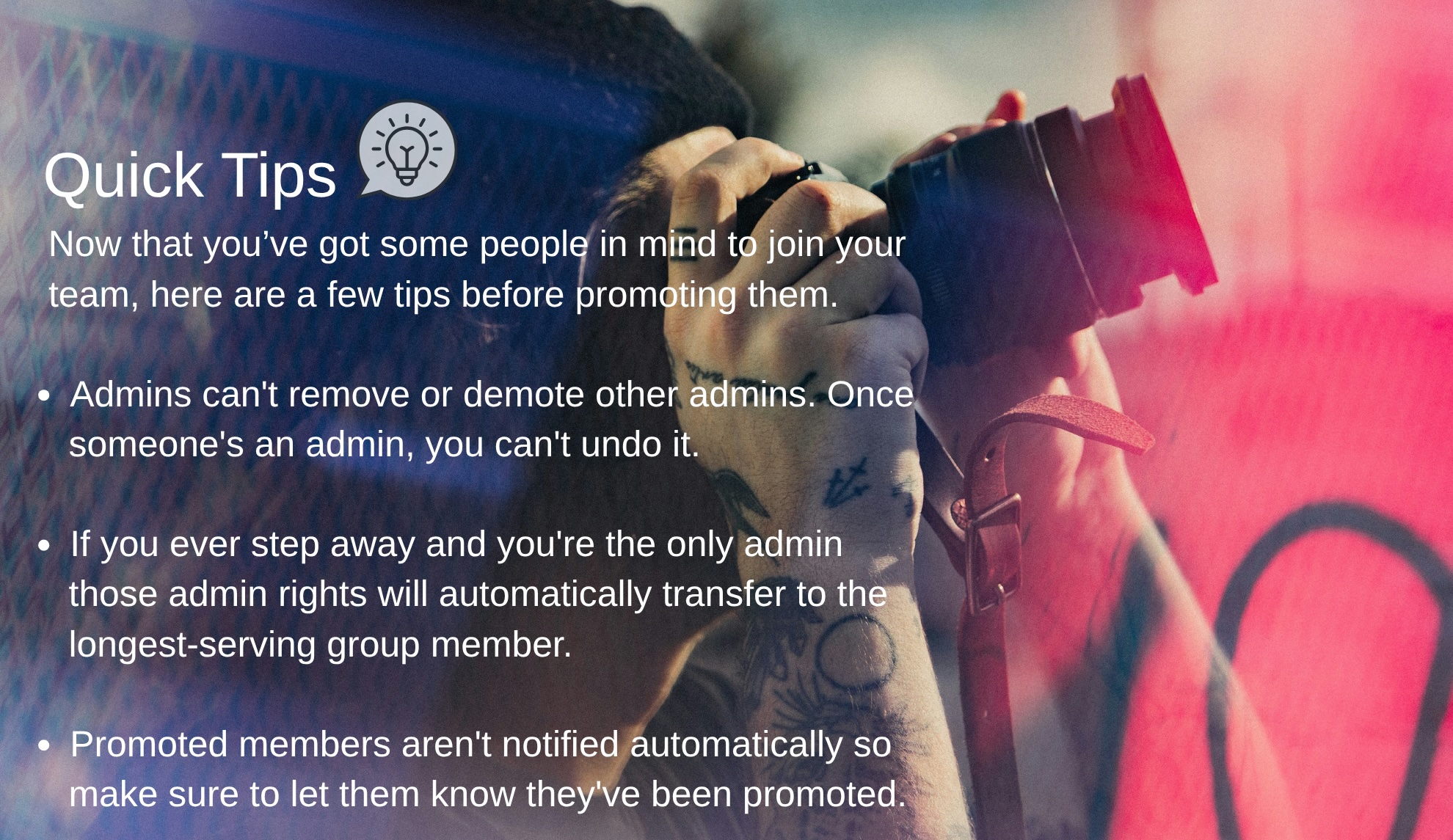
- Moderators can help manage the pending queue and handle day-to-day content and member issues.
- Admins have full control of the group, including access to the Administration tab. All the things like: settings, privacy, appearance and member management. That’s a meaningful amount of trust to hand over so it’s worth being deliberate when choosing who you should give that access to.
Ready to make it official?
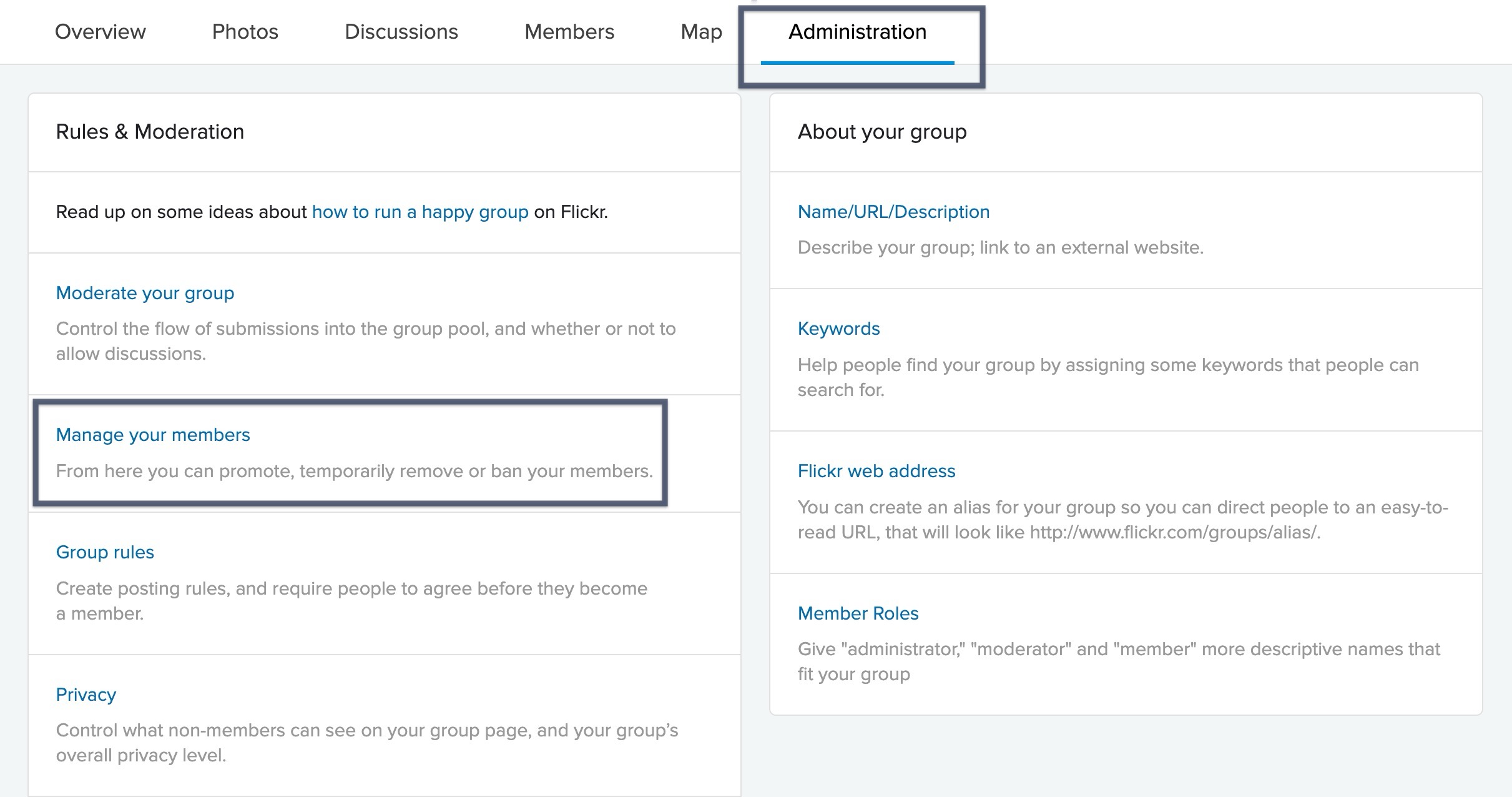
To promote someone, head to the Administration tab in your group. Click manage your members, and select Promote next to their name. From there choose Admin or Moderator and save your changes.
For most groups, starting someone as a moderator is the lower-risk move. This will get you real help without permanently handing over the keys. Reserve the admin role for someone you’d trust to run the group in your absence.
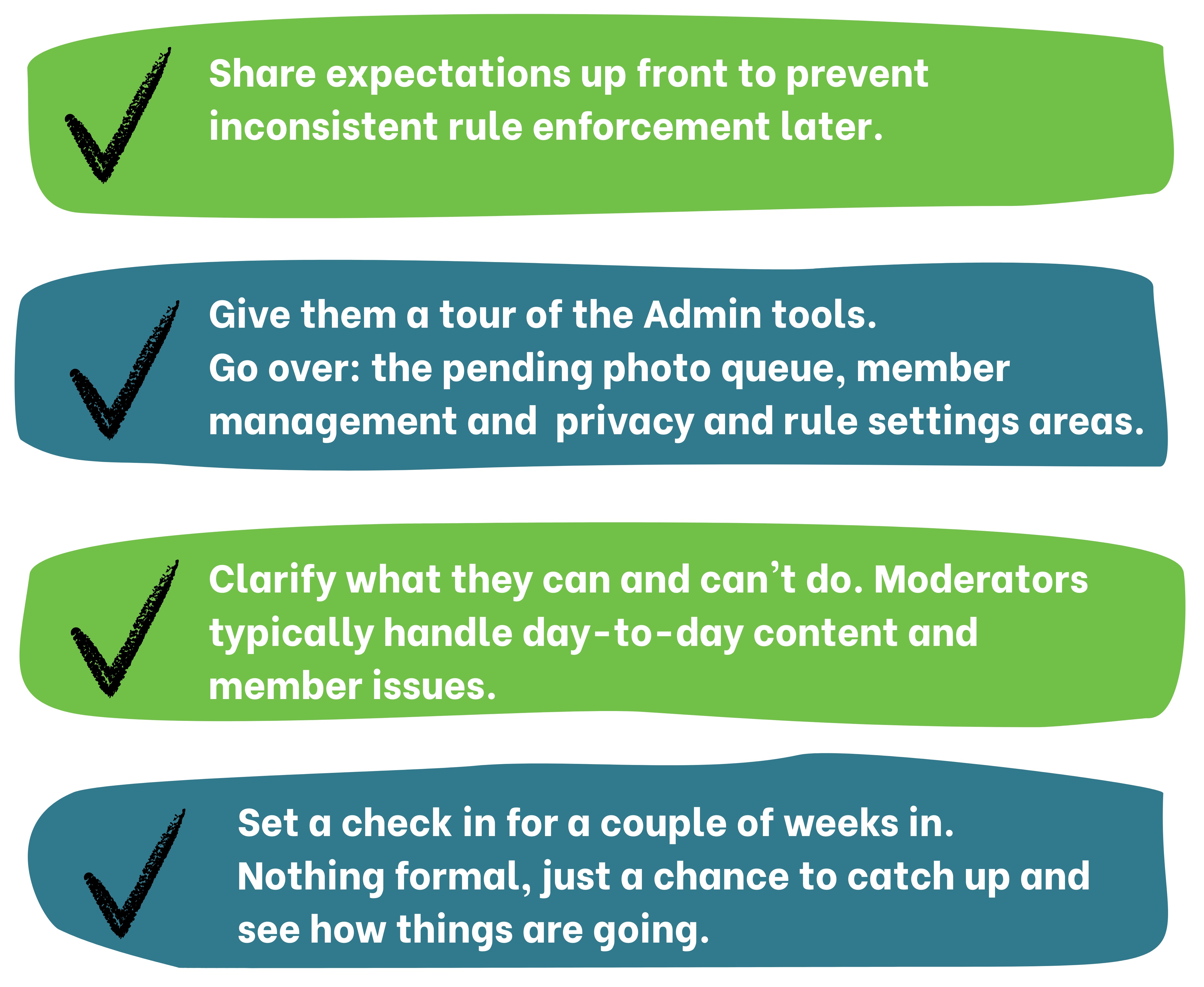
Moderator onboarding checklist
A team that communicates well can make a group feel more consistent to members and this will result in members putting in that extra level of care and effort back into the community. As group admins, you are at the heart of this community and your work is important. So make sure to ask for some help, you deserve it!

This is the second post in our Admin Resource Hub series. Missed the first? Check out Setting Up Your Group. Next up: growing and engaging your members. Have a topic you want covered? Let us know.
Not a Flickr member yet? Sign up today to join our community of photographers and find your inspiration.